
How do I add a product to my subscription?Updated 5 months ago
Just be sure to log in through our Account Login Page and select the subscription you want to manage. If you scroll a little bit down, you should see your items and, below, you should see a box that says "Add more items". 
Once the product catalog is open, you can choose to add the new product as a subscription or as a one-time purchase.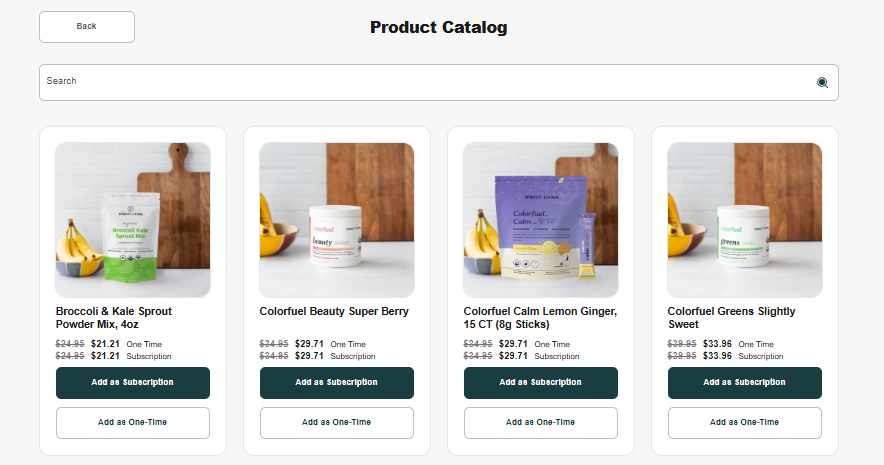
Once the items have been added, you can choose if you want them as a "one-time purchase" or add them to all ongoing orders!